Model Selection
Upload or paste the image you want to edit
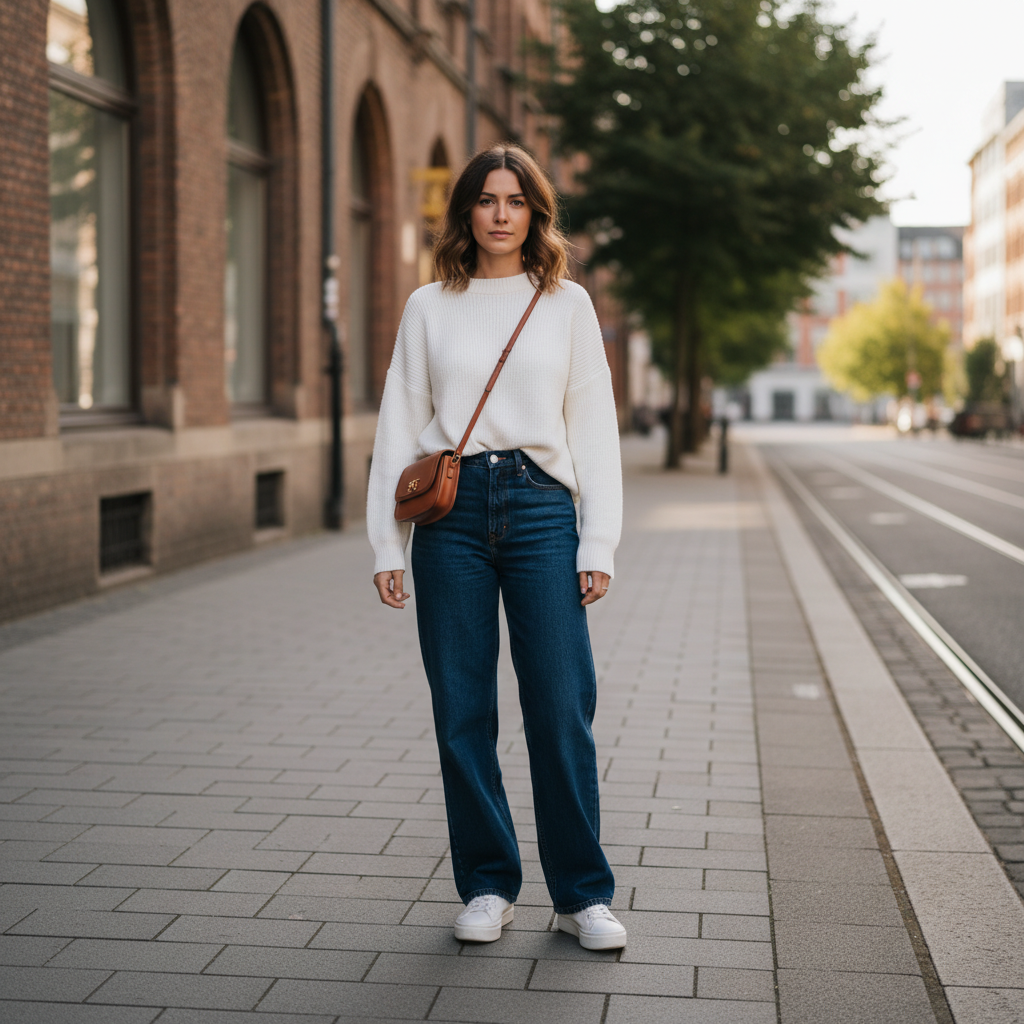
Draw on the image or upload a mask to indicate areas to edit
Draw over areas to edit. Use different colors to mark different regions.
Describe what changes should be made to the masked area. Mention the mask color if you used colored masks.
Resolution of the edited image
Aspect ratio of the edited image
Add reference images to guide the edit (e.g. a texture, object, or style to apply)

The generated edited image URL
About Image Editing with Mask
Edit specific areas of an image using a mask to guide the changes
How It Works
Provide your inputs in the Playground tab — upload images, enter text, or configure parameters.
Click the run button to process your inputs through AI models — no coding or setup required.
View and download your AI-generated results instantly, right in your browser.
Inputs
(6 fields)The original image to be edited
The mask image indicating the area to be edited
Describe what changes should be made to the masked area please mention color of mask area
Reference images to help the model understand the context
Resolution of the edited image.
Aspect ratio of the edited image.
Outputs
(1 field)The generated edited image URL
API Access
Integrate this use case into your application via our REST API. Switch to the API tab to see the endpoint, request format, and code examples in multiple languages.