
 TryOnNow AI
TryOnNow
Look extraordinary — without leaving your phone.
A polished AI photo studio that turns everyday shots into styled portraits, virtual fittings, and creative edits. Built for people who want beautiful results — not a complicated workflow.
Explore studios- Virtual fashion
- Studio portraits
- Beauty & style
- Creative edits
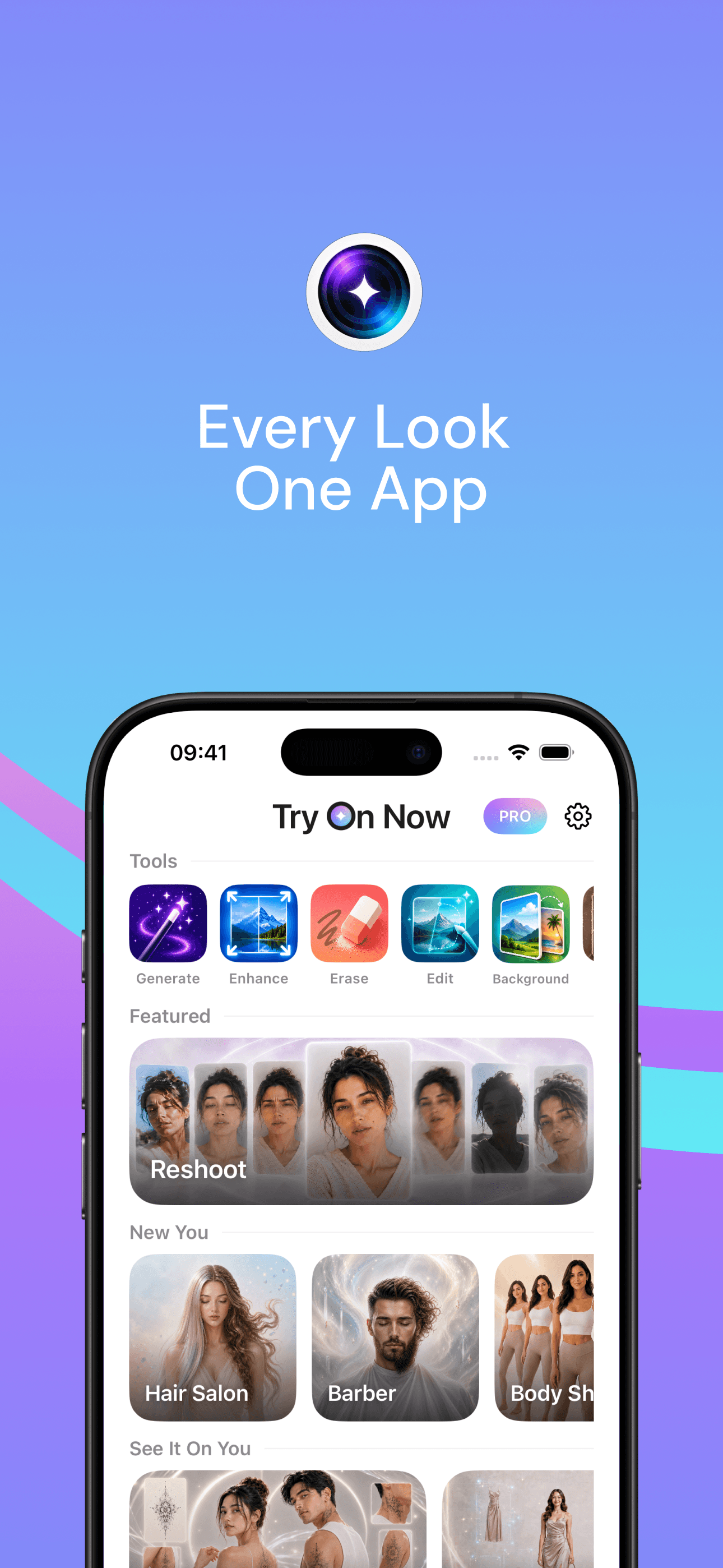
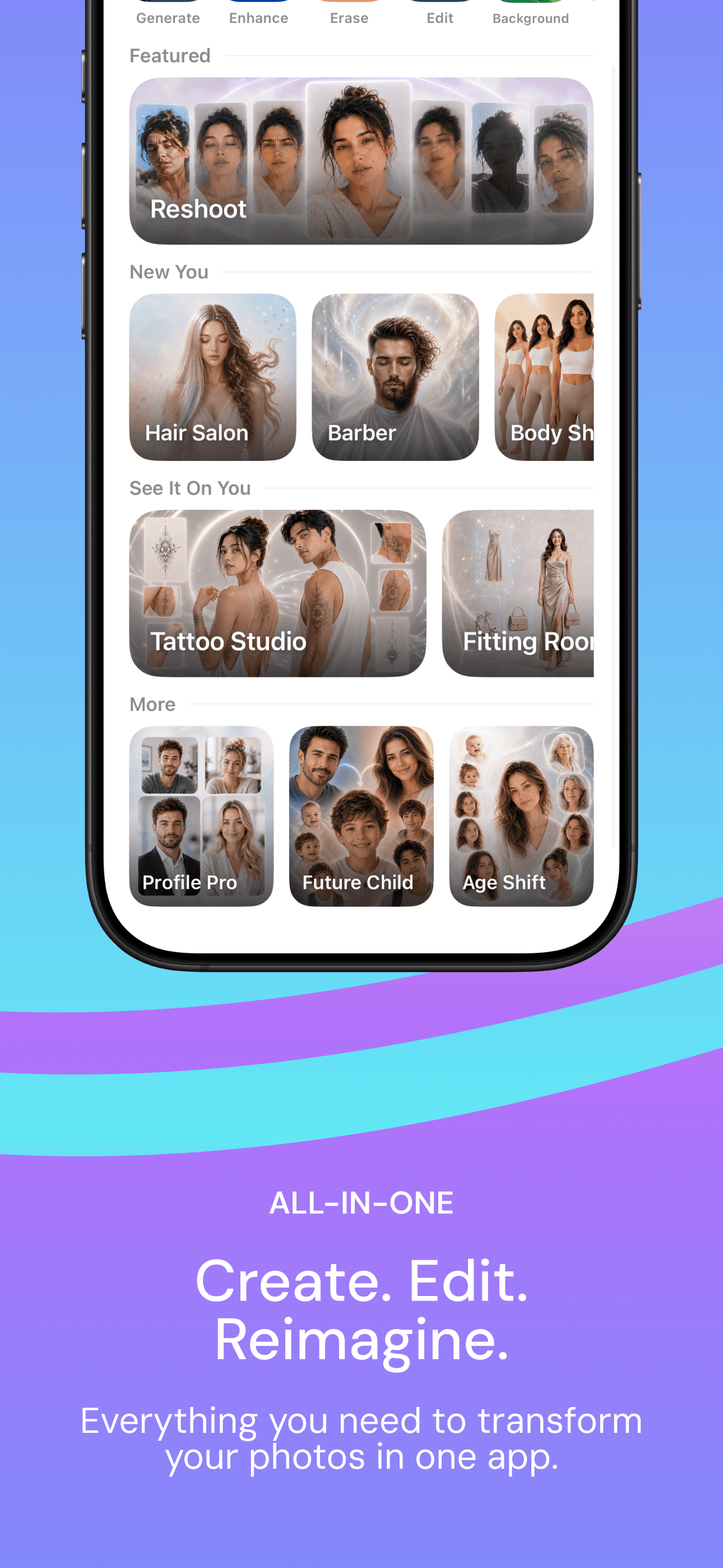
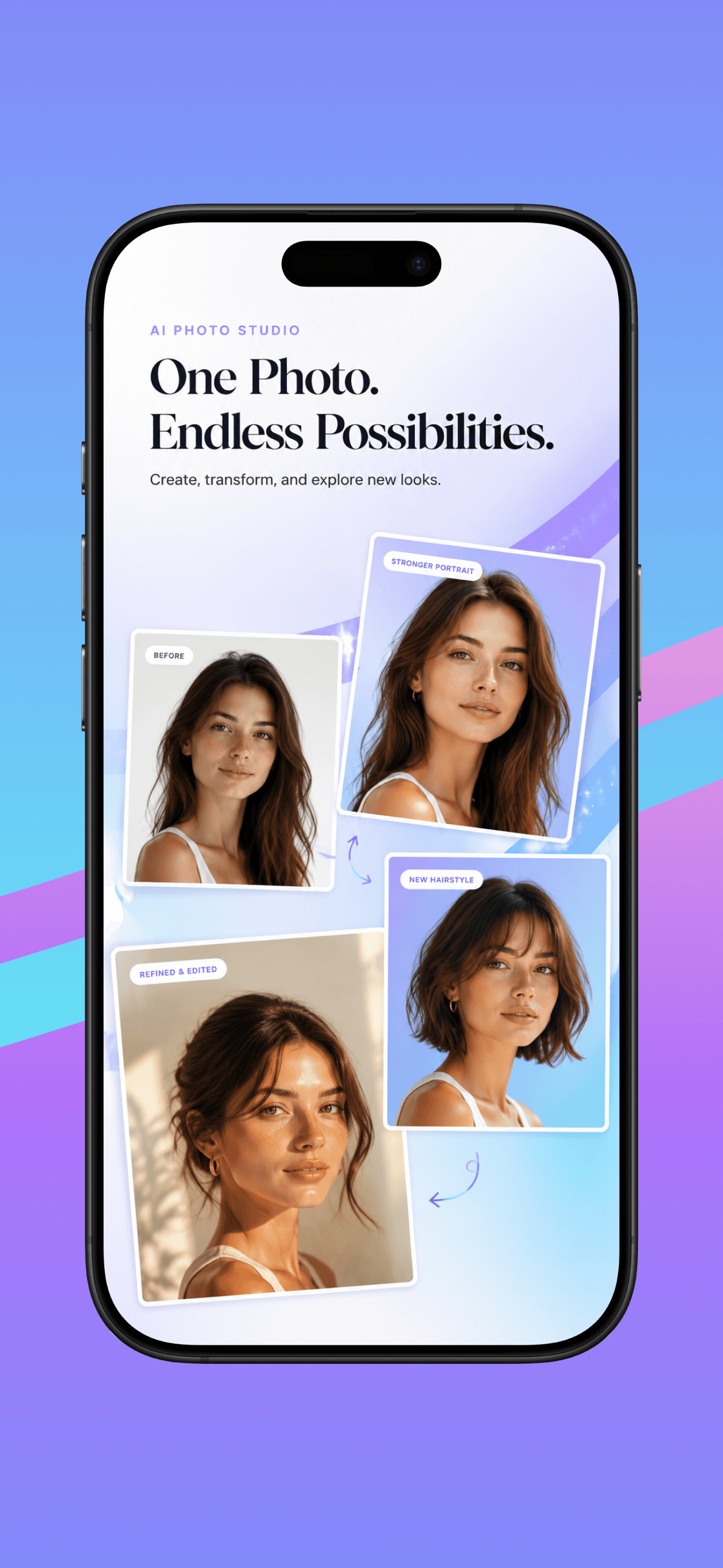
Screenshot 1 of 10. Drag or swipe horizontally to browse.
Get the app

 Coming soon
Creative tools
Fast edits that feel like magic — generate, enhance, erase, and more.

Generate
Create new images from a short prompt and optional references.

Enhance
Sharpen detail and lift quality in a single tap.
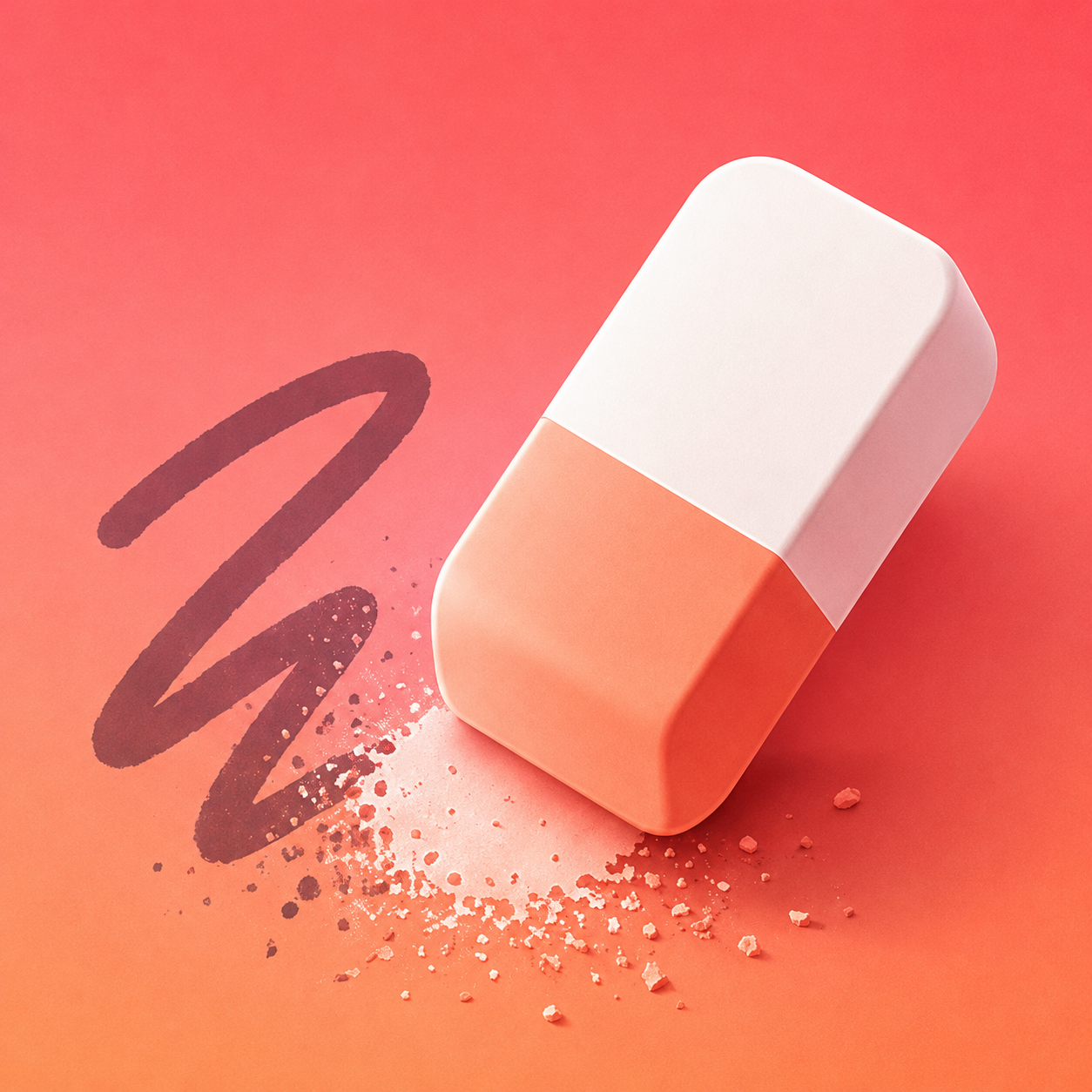
Erase
Brush away people, objects, or distractions cleanly.

Edit
Describe the change you want — light, mood, or details.

Background
Swap or remove scenes while keeping the subject grounded.

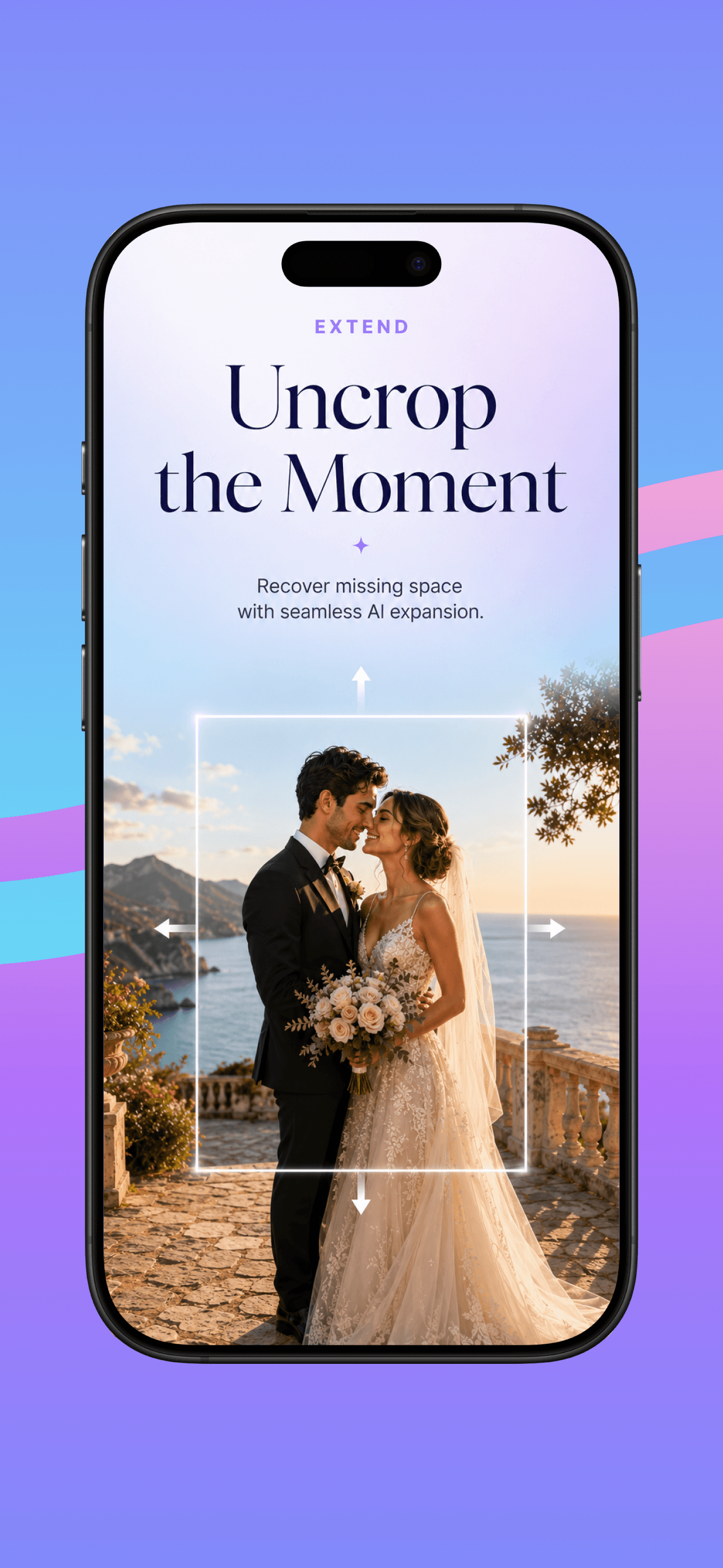
Extend
Grow the frame outward with matching generative fill.
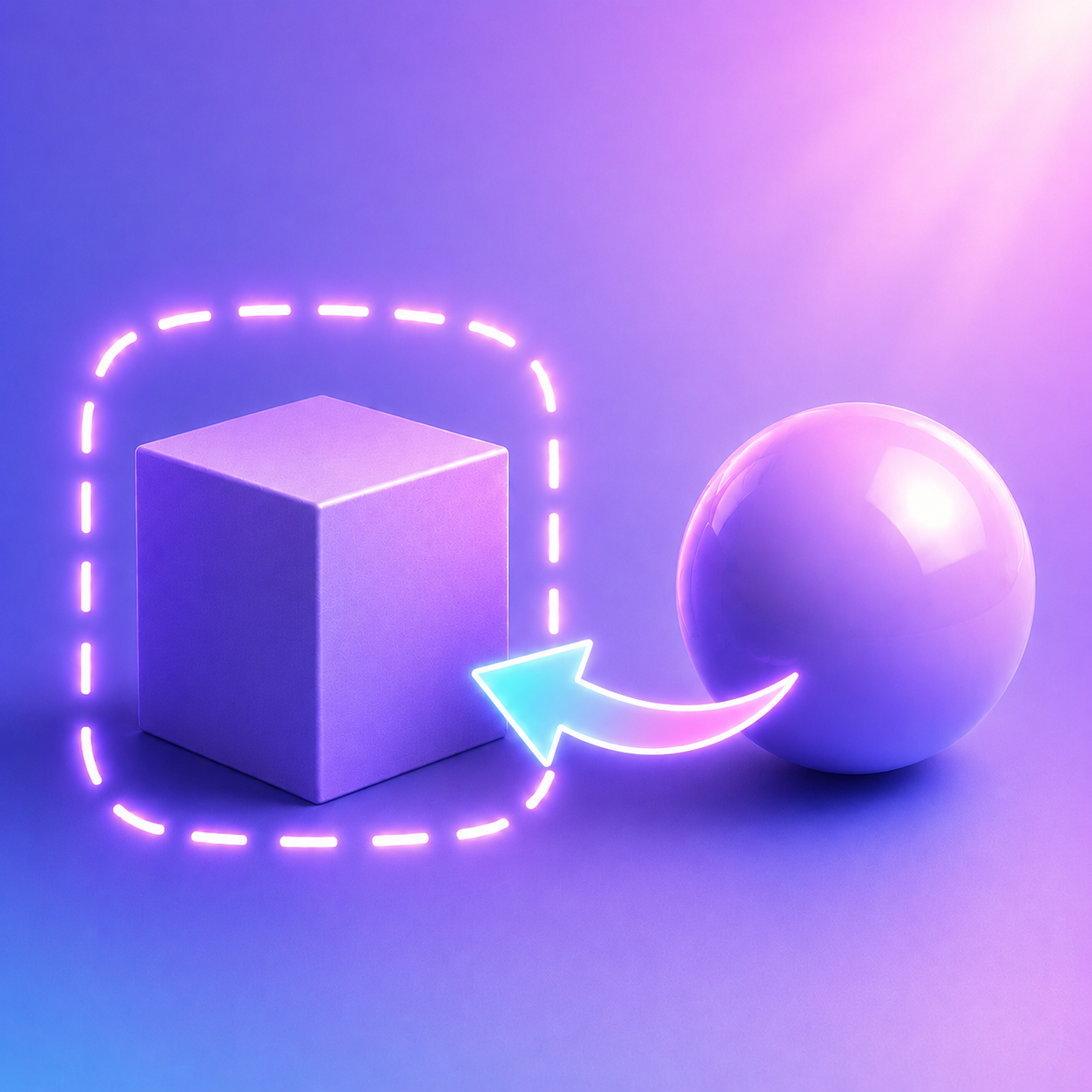
Replace
Select a region and transform it into something new.
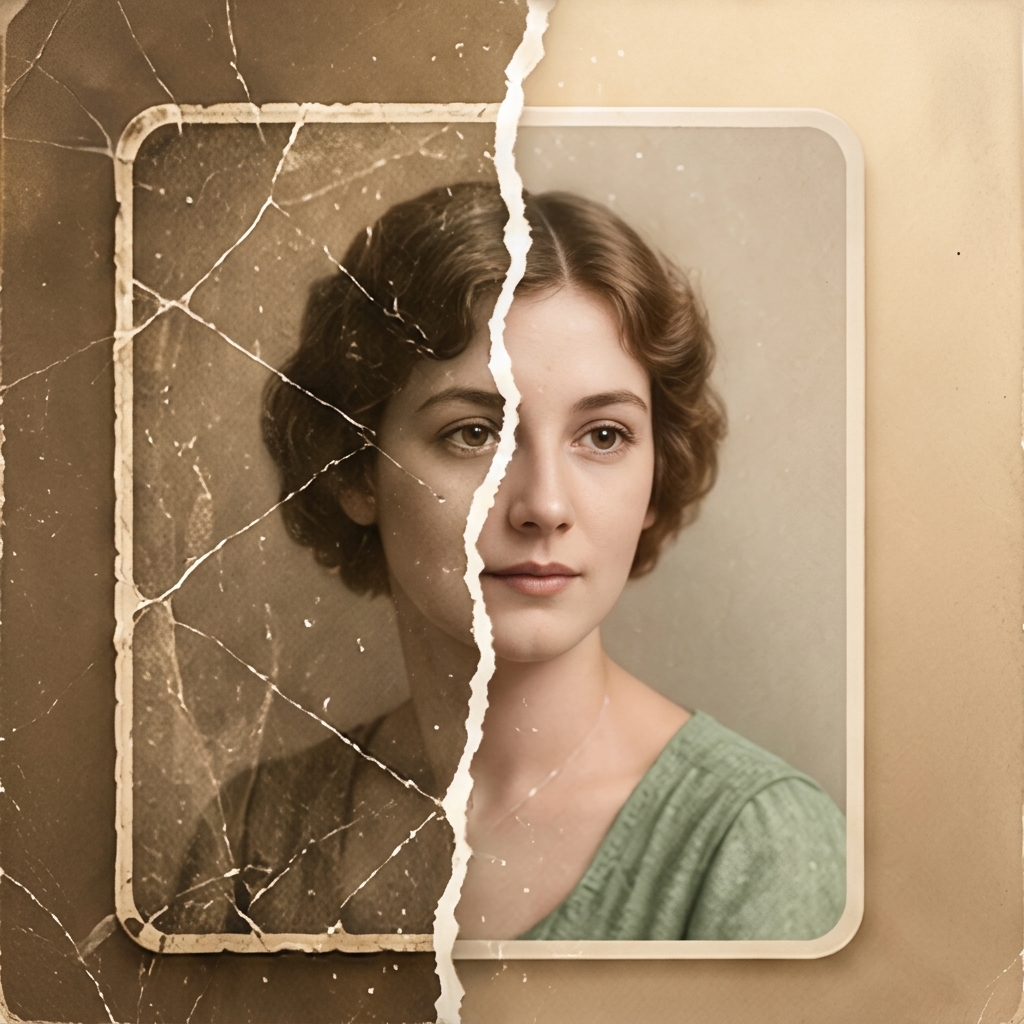
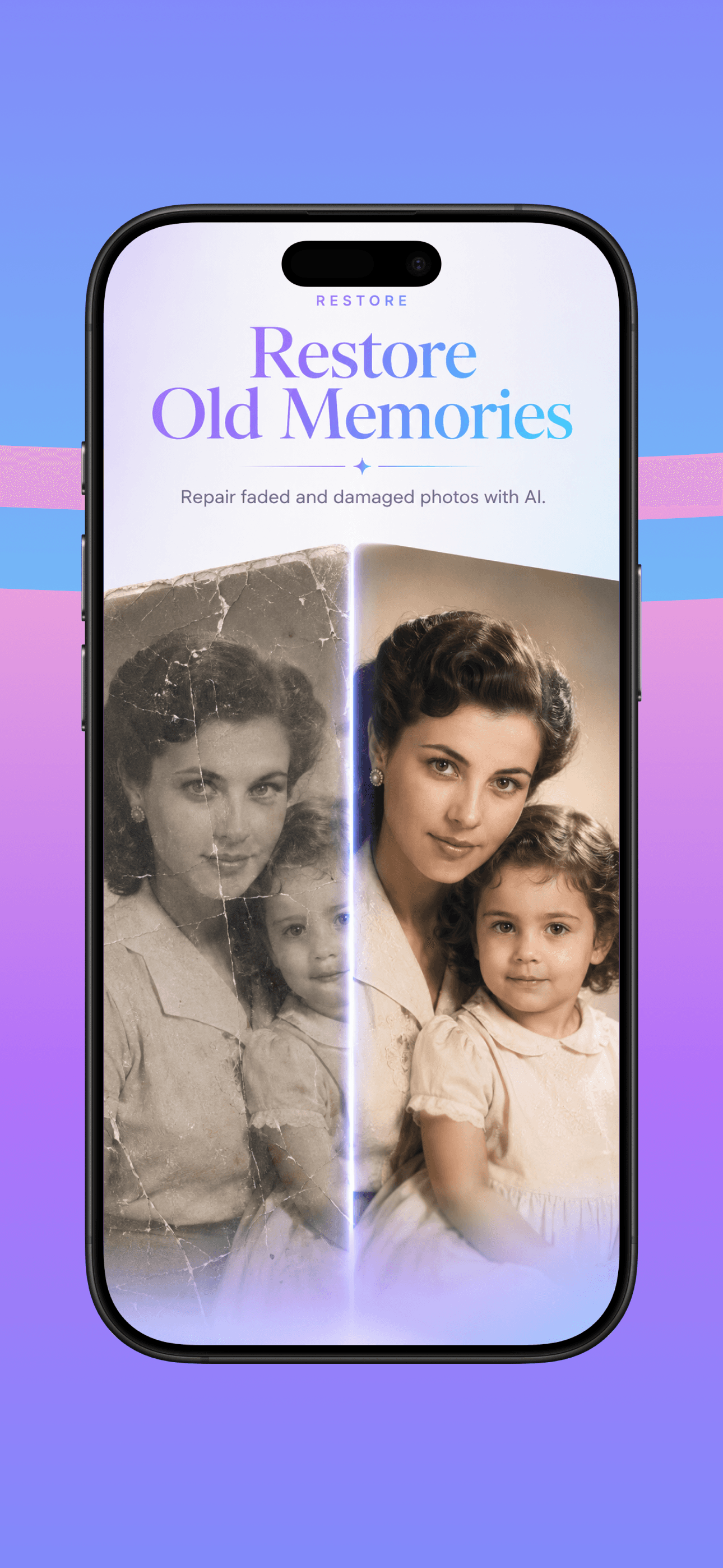
Restore
Repair worn photos and bring color back to memories.
Studios that cover real photo jobs
From portraits and beauty to identity looks — each studio is a focused creative flow.
Featured
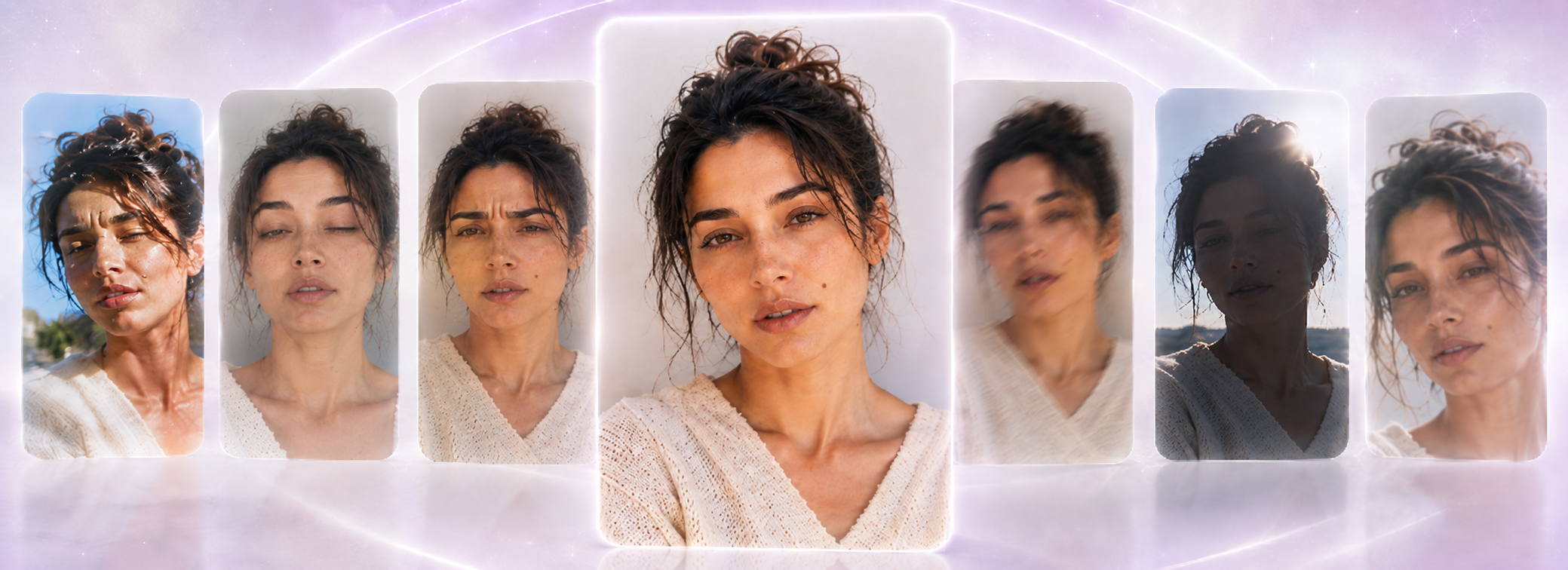
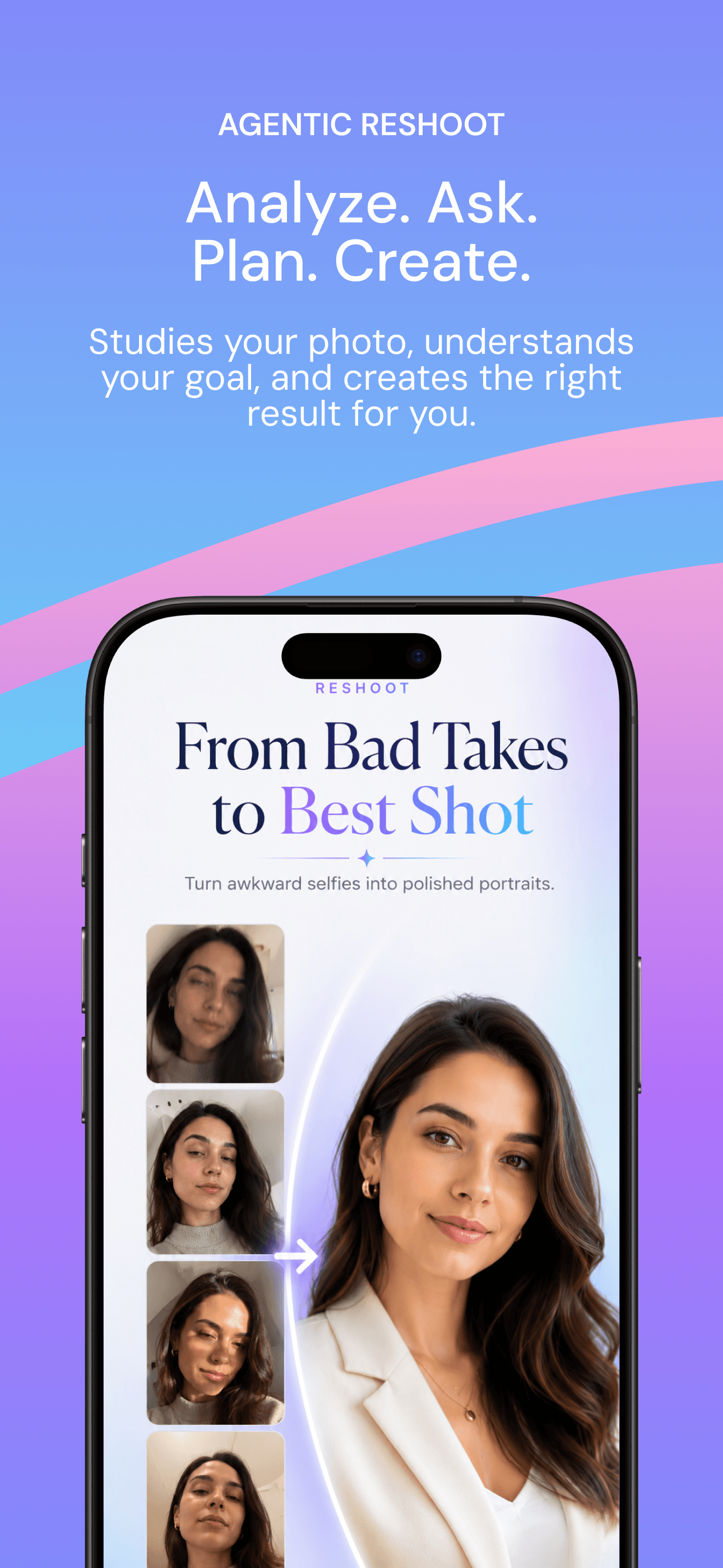
Reshoot
Turn a casual selfie into a stronger, studio-feeling portrait — same person, better frame.
New You
Try a new look — hair, beard, or silhouette — before you commit.

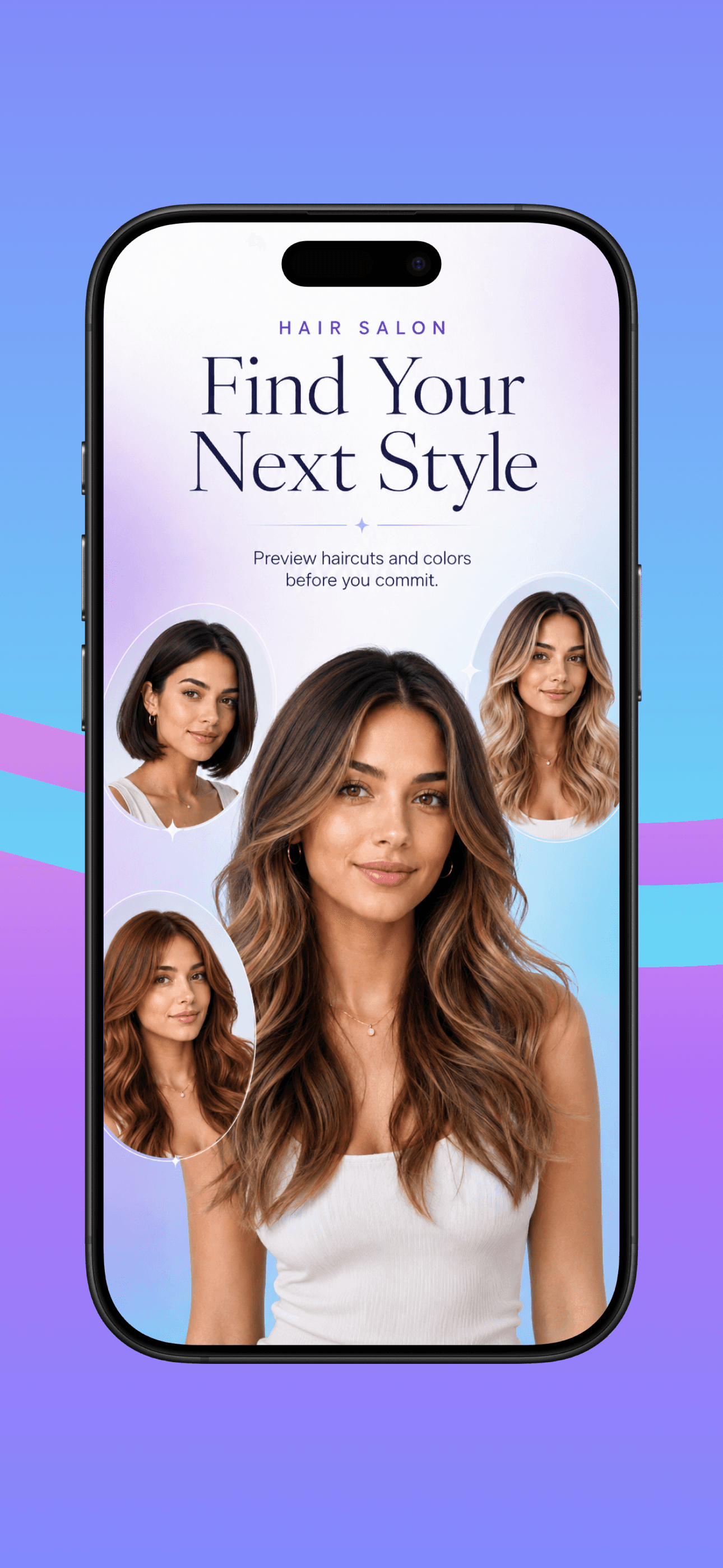
Hair Salon
Preview new cuts, colors, and styles — from soft waves to bold color.

Barber
Explore hair and beard combinations with a reference look or a short prompt.
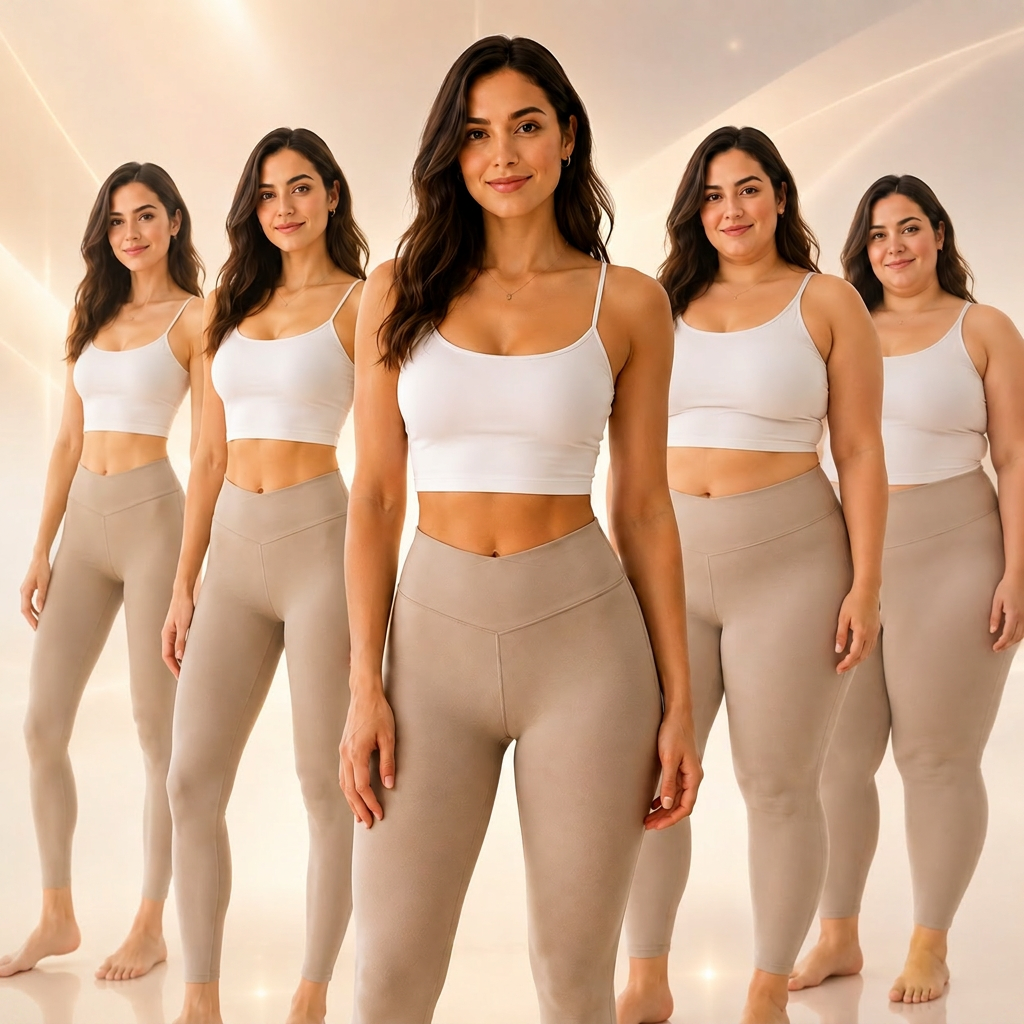
Body Shape
See how proportions shift while keeping identity cues consistent.
See It On You
Preview tattoos, outfits, and makeup on your own photo.
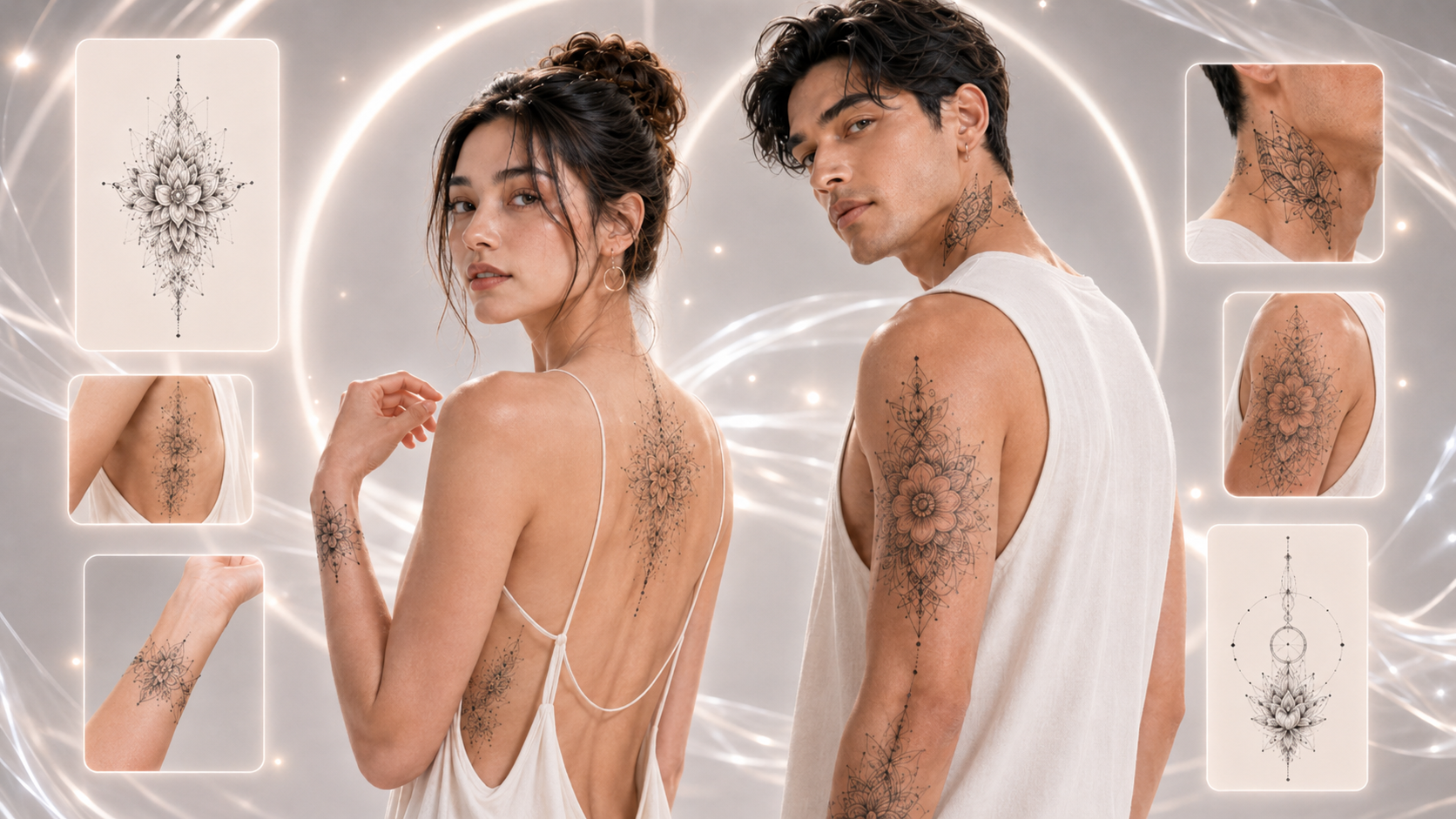
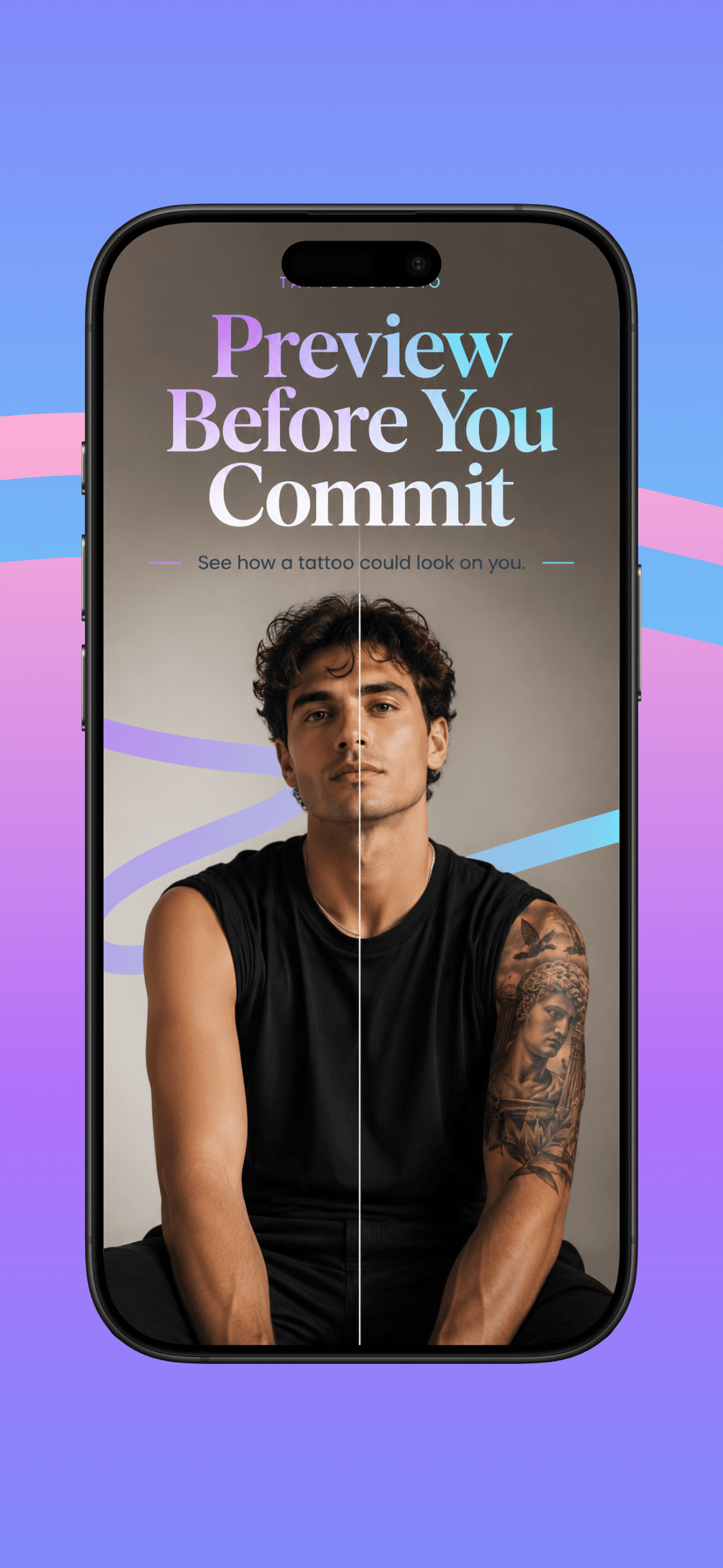
Tattoo Studio
Brush the skin area and preview how a tattoo placement might look before committing in real life.

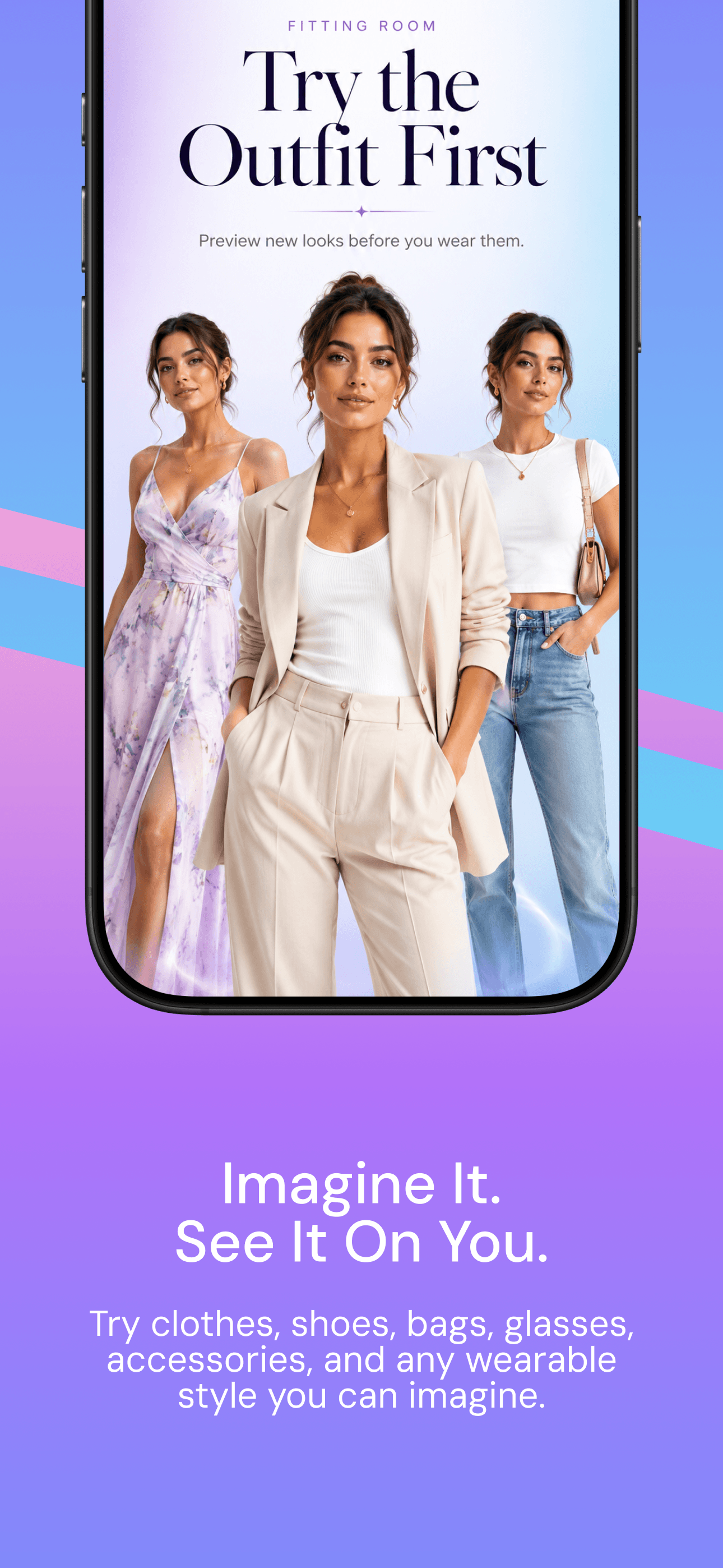
Fitting Room
Try clothes and accessories on your photo — see the outfit before you buy.
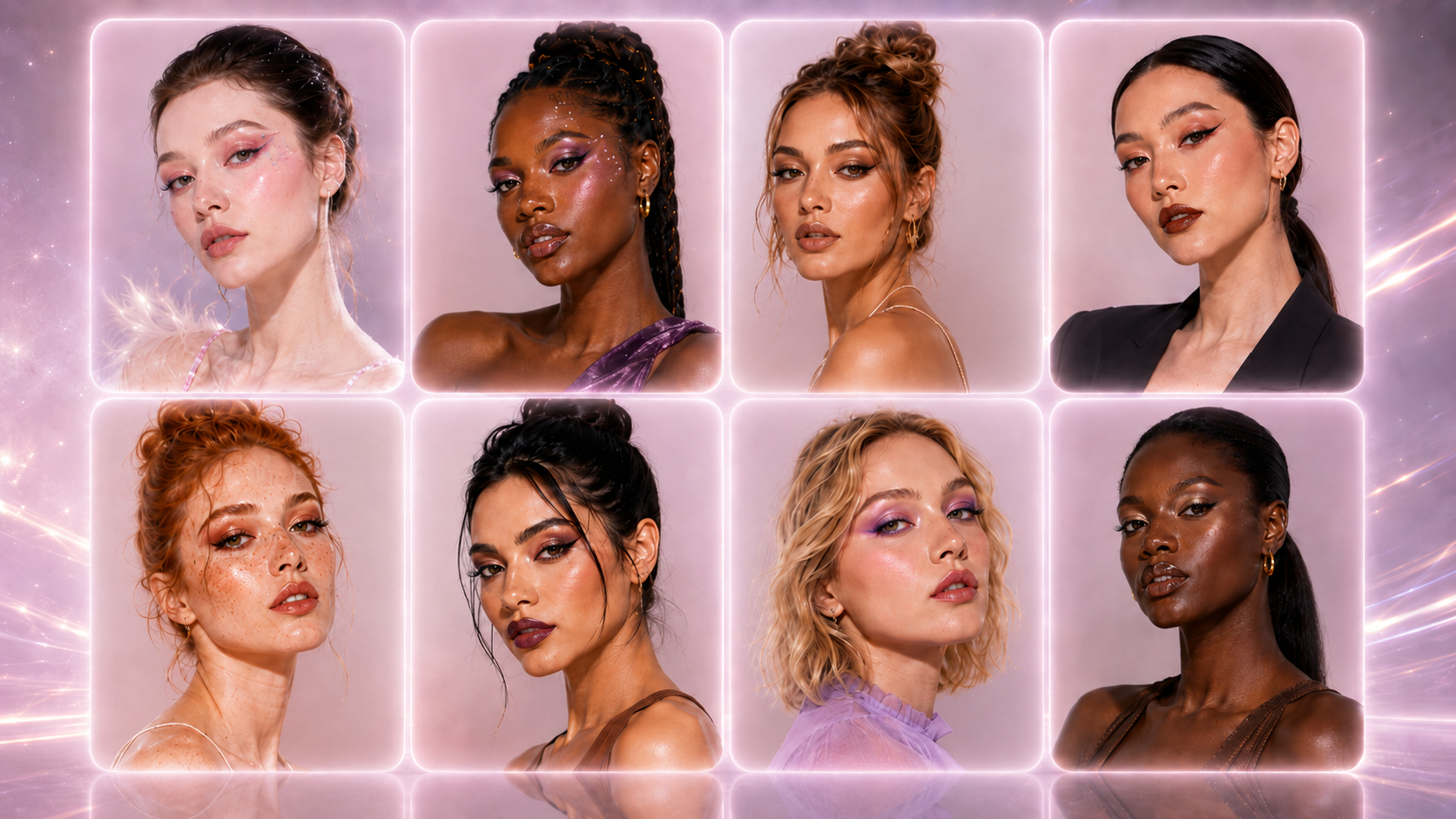
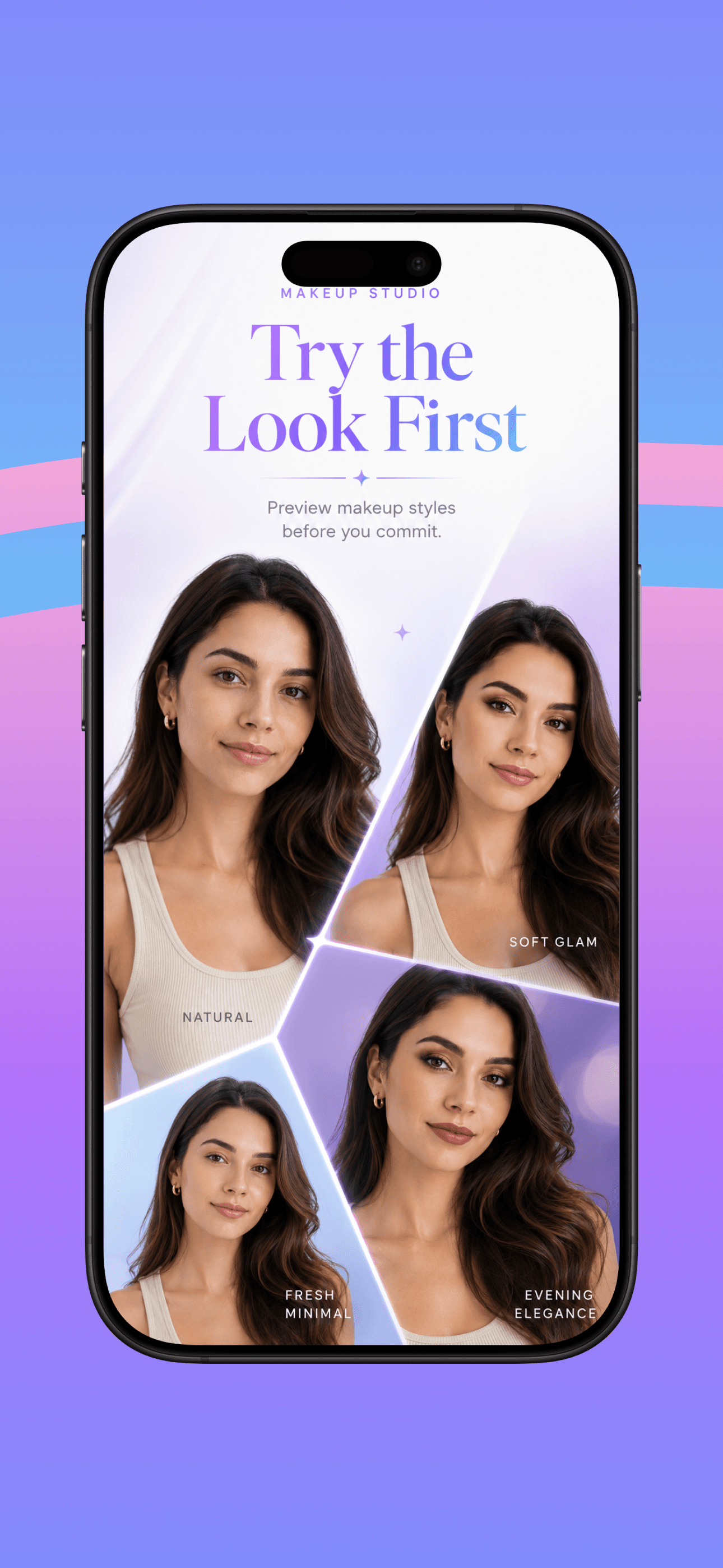
Makeup Studio
Try glam, soft, or editorial looks across a range of tones and styles.
More
Creative identity looks — playful, imaginative, and optional.

Age Shift
Explore younger or older versions of the same face for creative storytelling.

Future Child
Blend one or two parent photos into an imaginative look across ages — for fun, not prediction claims.

Profile Pro
A cleaner, more confident profile shot from the photo you already have.
Get TryOnNow
Download when the App Store listing is live, or contact us if you need support.